EPFO PF Balance Check 2026: How to Check Your PF Balance Online
Learn how to check your EPFO PF balance online using mobile, UAN, UMANG app, SMS, and missed call methods in 2026.
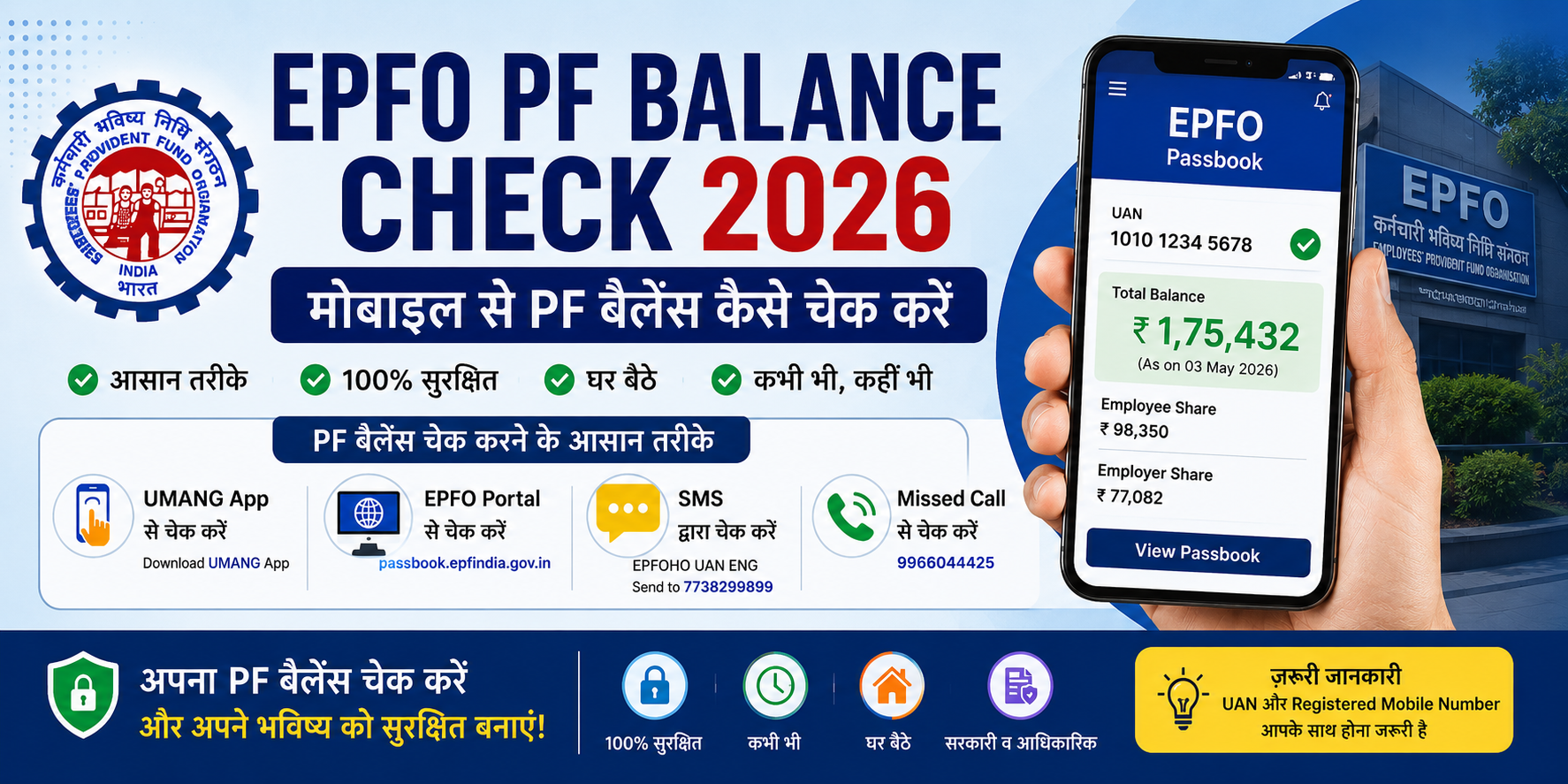
Many salaried employees in India use EPF accounts for long-term savings. However, many people still do not know how to check their PF balance online or through mobile.
The good thing is that EPFO now provides several easy ways to check PF details from home. There is no need to visit an office for basic balance information.
In this guide, we will understand the easiest methods to check EPFO PF balance in 2026 using simple language.
What is EPFO?
EPFO stands for Employees’ Provident Fund Organisation. It works under the Ministry of Labour and Employment, Government of India.
EPFO manages provident fund accounts for employees working in companies and organisations.
Every month:
a part of the employee’s salary is deducted,
the employer also contributes,
and the amount is added to the PF account.
This helps employees build long-term savings.
Things needed to check PF balance
Before checking your PF balance, make sure you have:
UAN number
Registered mobile number
Active EPFO account
Activated UAN
Some services may not work if your mobile number is not linked with UAN.
Easy ways to check PF balance
EPFO offers multiple methods to check PF details.
1. Check PF balance using UMANG app
UMANG is an official government application that provides many online services.
Using the app, users can:
view PF balance,
access passbook,
check claim status,
and use other EPFO services.
Steps
Install the UMANG app
Open the EPFO section
Select “Employee Centric Services”
Tap “View Passbook”
Enter UAN number
Verify OTP
Your PF balance will then appear on the screen.
2. Check PF balance using EPFO portal
Users can also view their passbook through the official EPFO website.
Steps
Open the EPFO passbook portal
Login using UAN and password
Select Member ID
Open the passbook
You can view:
employee contribution,
employer contribution,
and total balance.
3. Check PF balance using SMS
If your mobile number is linked with UAN, you can use SMS services.
SMS format
EPFOHO UAN ENGSend it to:
7738299899You will receive PF details through SMS.
4. Check PF balance using missed call
This is one of the easiest methods.
Give a missed call from your registered mobile number to:
9966044425You will receive an SMS containing your PF details.
What is UAN?
UAN stands for Universal Account Number. It is a unique number linked to your EPF account.
It helps users:
manage PF accounts,
login to EPFO services,
check balance,
and track claims.
Users should activate their UAN before using online services.
What is PF passbook?
PF passbook is a digital record of your PF account activity.
It shows:
monthly contributions,
employer share,
interest earned,
and total balance.
It works similarly to a bank passbook.
Important things to remember
Sometimes users face issues while checking PF details.
In such situations:
verify that UAN is active,
check whether the mobile number is linked,
ensure internet connection is stable,
and remember that EPFO servers may occasionally be busy.
New contributions may also take some time to appear.
Is it safe to check PF balance online?
Using the official EPFO website or UMANG app is generally considered safe.
However:
avoid fake websites,
never share OTPs,
and use only trusted applications.
Final thoughts
EPFO has made PF balance checking much easier than before. Employees can now access their PF details using mobile apps, SMS, missed calls, and online portals.
If your UAN is activated and linked properly, checking PF balance usually takes only a few minutes.
Frequently asked questions
Can PF balance be checked without UAN?
Most online methods require UAN.
Can PF balance be checked using mobile?
Yes, through UMANG app, SMS, and missed call services.
Is the missed call service free?
Yes, it is free for registered mobile numbers.
How long does PF passbook update take?
Sometimes updates may take a few days after contribution.
Is the EPFO portal safe?
Yes, the official EPFO portal is generally safe to use.
Written by
Jayesh Gavit
IT Engineer & Content Creator, JGblogs
IT engineer with a passion for technology and building things. Started JGblogs in 2026 to share information and make government schemes, jobs, and career guides accessible to every Indian — free, in their own language.
About the author →Article